10 ESL vocabulary games you can launch in PeraPera Play
Ten PeraPera Play game modes for shared-screen vocabulary recall, listening, speaking, teams, and quick classroom review.
A shared screen can create a common focus without turning the lesson into silent device time. The teacher controls the pace while every student predicts, rehearses, answers, or checks with a partner.
These ten modes are available in PeraPera Play now. Most reuse the same Play Set of lesson words, pictures, definitions, translations, audio, or questions; the three no-prep speaking games can start immediately.
See it in PeraPera Play
Quiz
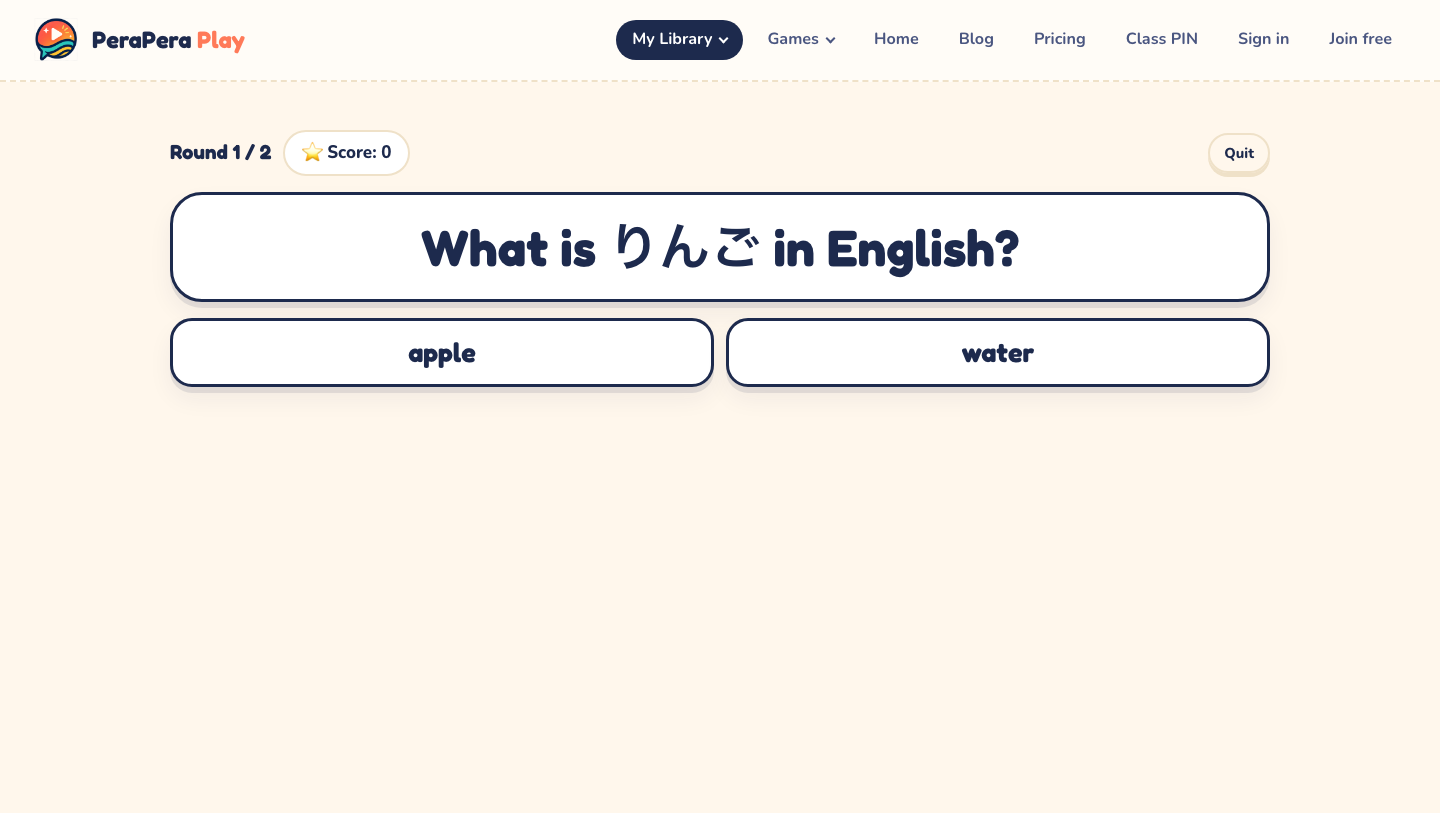
Students choose from 4, 6, or 8 answers using text, images, definitions, situations, or audio prompts.
Touch / Catch
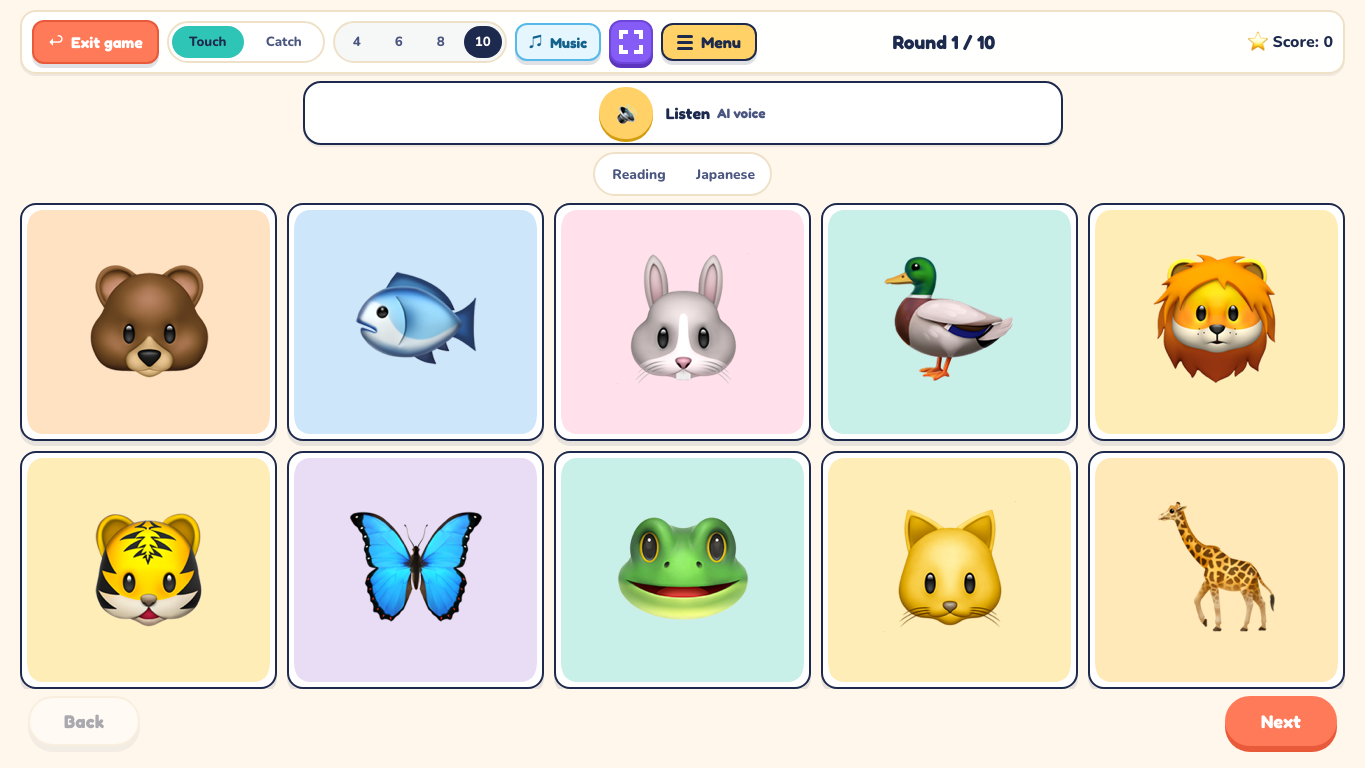
Play audio, then have students touch or catch the matching picture on the shared screen.
Memory Match
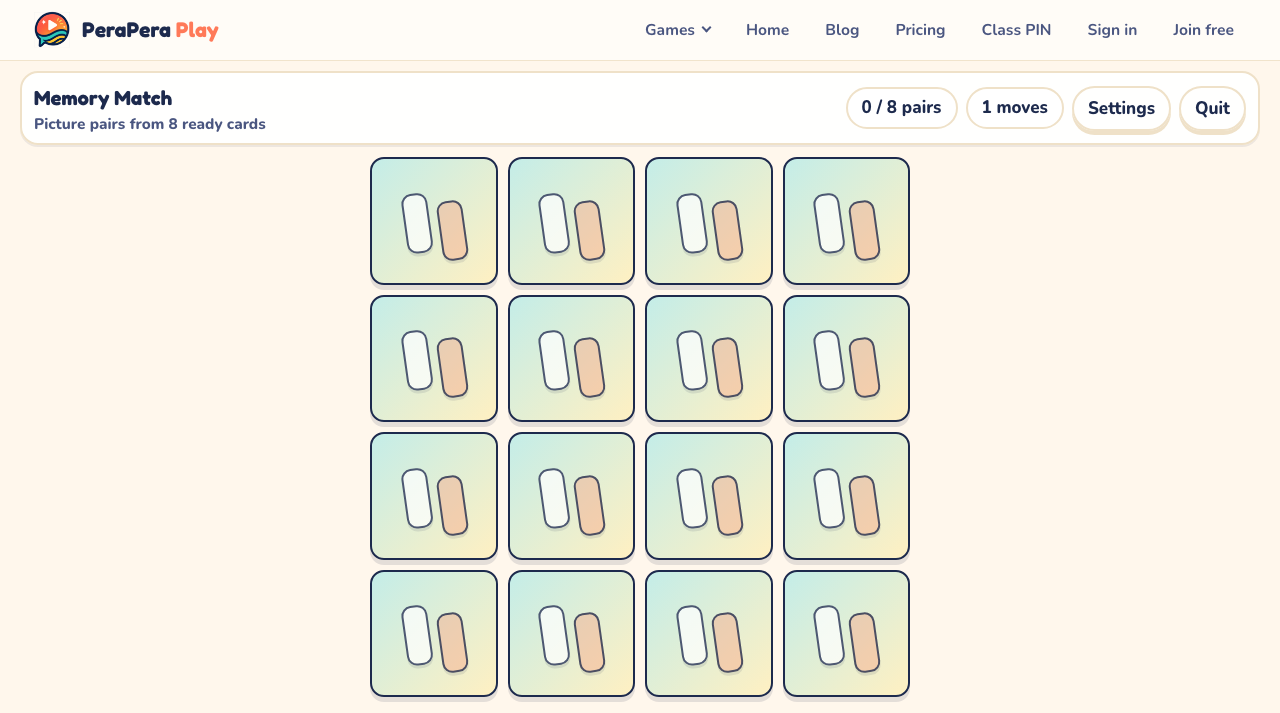
Flip cards and find picture, word, translation, or definition pairs.
Picture Reveal
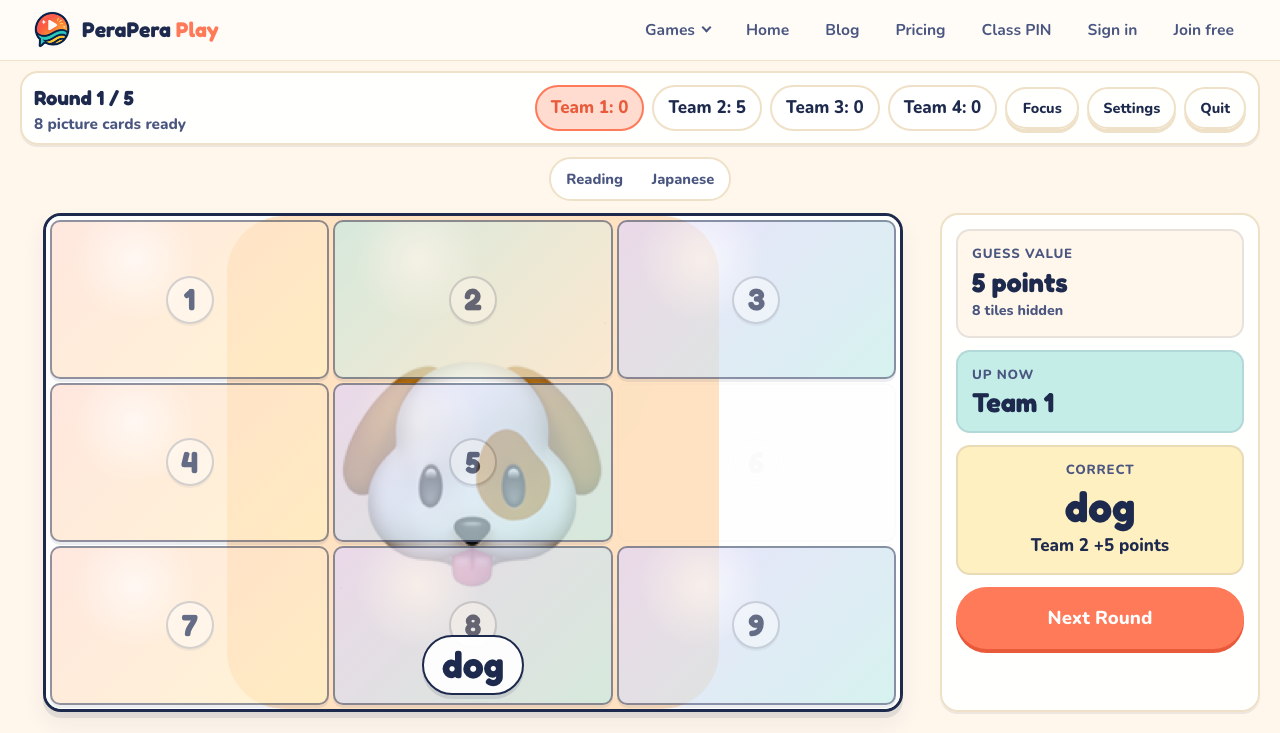
Uncover a picture one tile at a time while teams guess for points.
Sea Battle
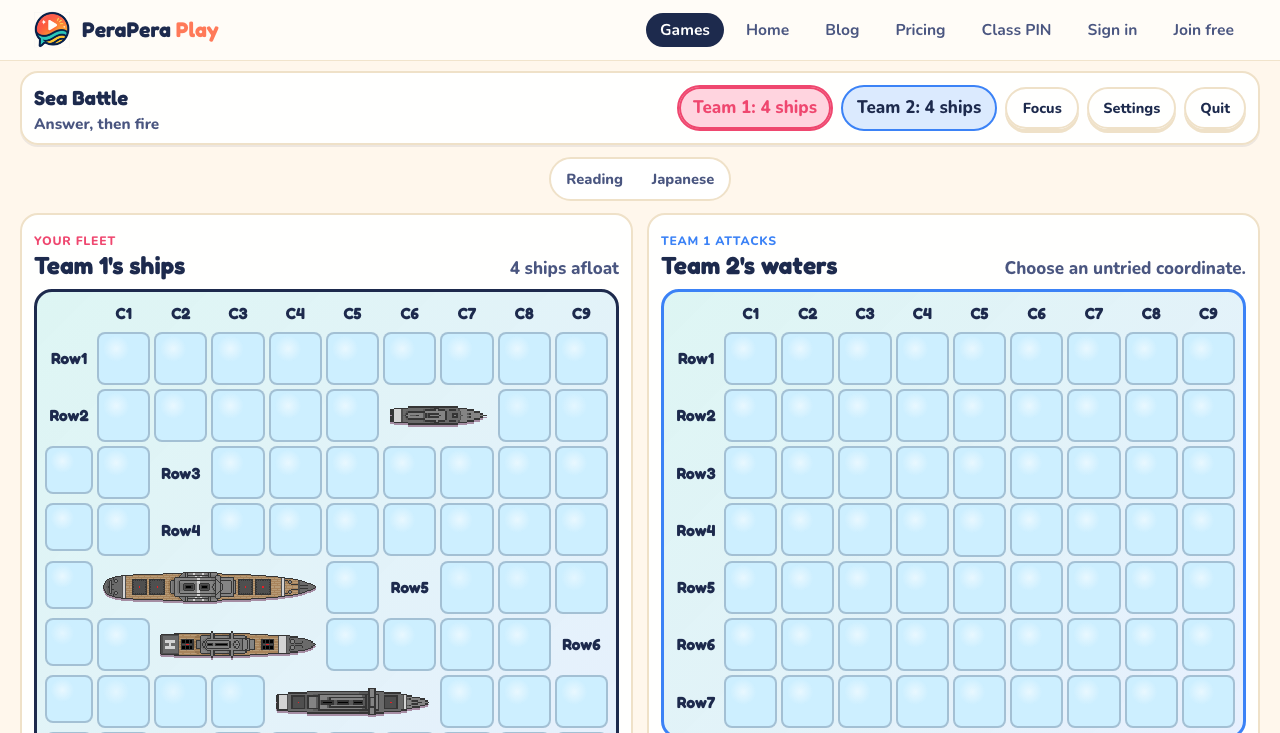
Require a spoken answer before each team chooses a coordinate and fires.
Play Set review modes
Choose a ready-made set from the Collective or use one of your own. The same content can move through several kinds of practice without being entered again.
- Flashcards: introduce or review one card at a time, then reveal the answer.
- Quiz: choose the right answer from visible text or picture options.
- Touch / Catch: listen, then touch or catch the matching picture.
- Memory Match: find matching pictures, words, translations, or definitions.
- Picture Reveal: uncover a picture slowly and predict before each guess.
- Picture Shuffle: track the target picture as its card moves.
- Sea Battle: answer aloud, then fire at the other team's hidden fleet.
No-prep speaking modes
These modes include their own categories or word packs, so they can run without creating a Play Set first.
- Charades: act out a secret word using built-in categories.
- Emoji Flash: react to fast-changing emojis and speak before time runs out.
- Describe It!: give helpful English clues so a team can guess the secret word.
A simple lesson sequence
Begin with Flashcards, move to Quiz or Memory Match, and finish with Sea Battle. The Play Set stays constant while the cognitive demand moves from recognition to recall and spoken use.
Stop each format while it still feels successful. Saving the Play Set means the unfinished items are ready for the next lesson.
Common questions
Do students need individual devices for shared-screen games?
No. Students can respond orally, on paper, or in teams while the teacher controls one classroom screen.
Can the Play Set modes use one vocabulary list?
Yes. Start with one focused Play Set and change the game mode, prompt direction, or speaking rule instead of recreating the content.